Key image
Administrators of a study on DeepUnity PACSonWEB have the possibility to create a new series with key images.
You can add an image to this series by opening it in the viewer and clicking the star icon in the bottom right corner of the viewport.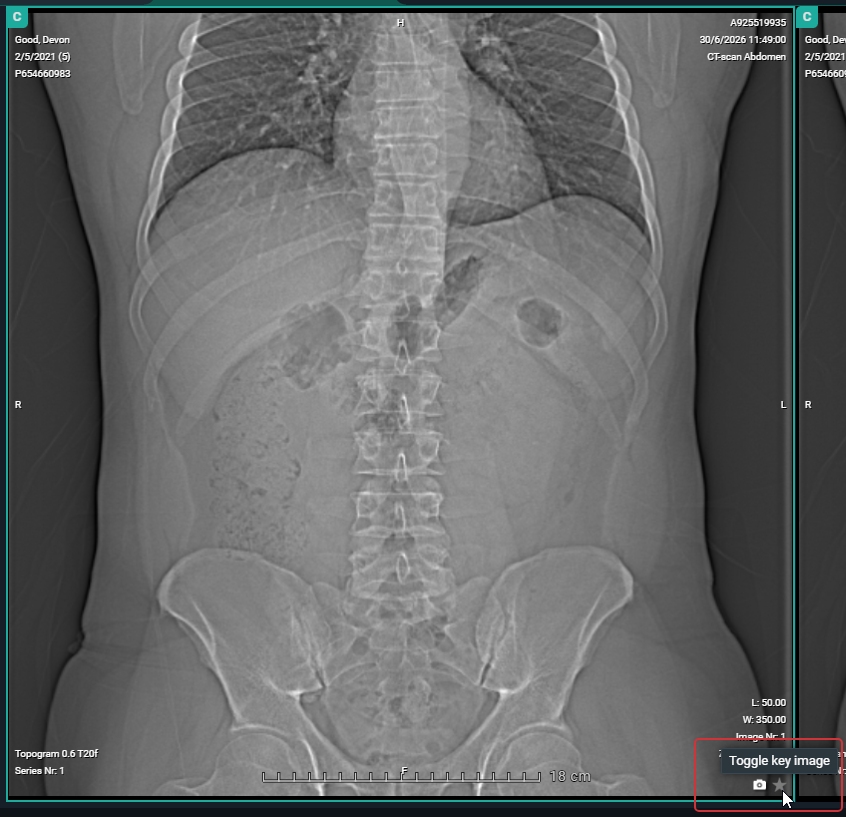 The star will turn yellow, indicating that the image has been marked as a key image .
When reloading or reopening the study, the newly created series on key images will be available in the series picker for everyone who has access to the study.
You can remove images that have been marked as key images from the series by de-selecting the star icon. Images on which publicly available annotations have been made, are automatically marked as key image.
You can navigate back to the original image from the key image by clicking  in the right bottom corner of the viewport.